- Passwords – passwords are private and must be kept a secret. If someone knows your password, it must be changed immediately.
- Be a good digital citizen – always be careful, respectful, thoughtful, and honest in everything you do online.
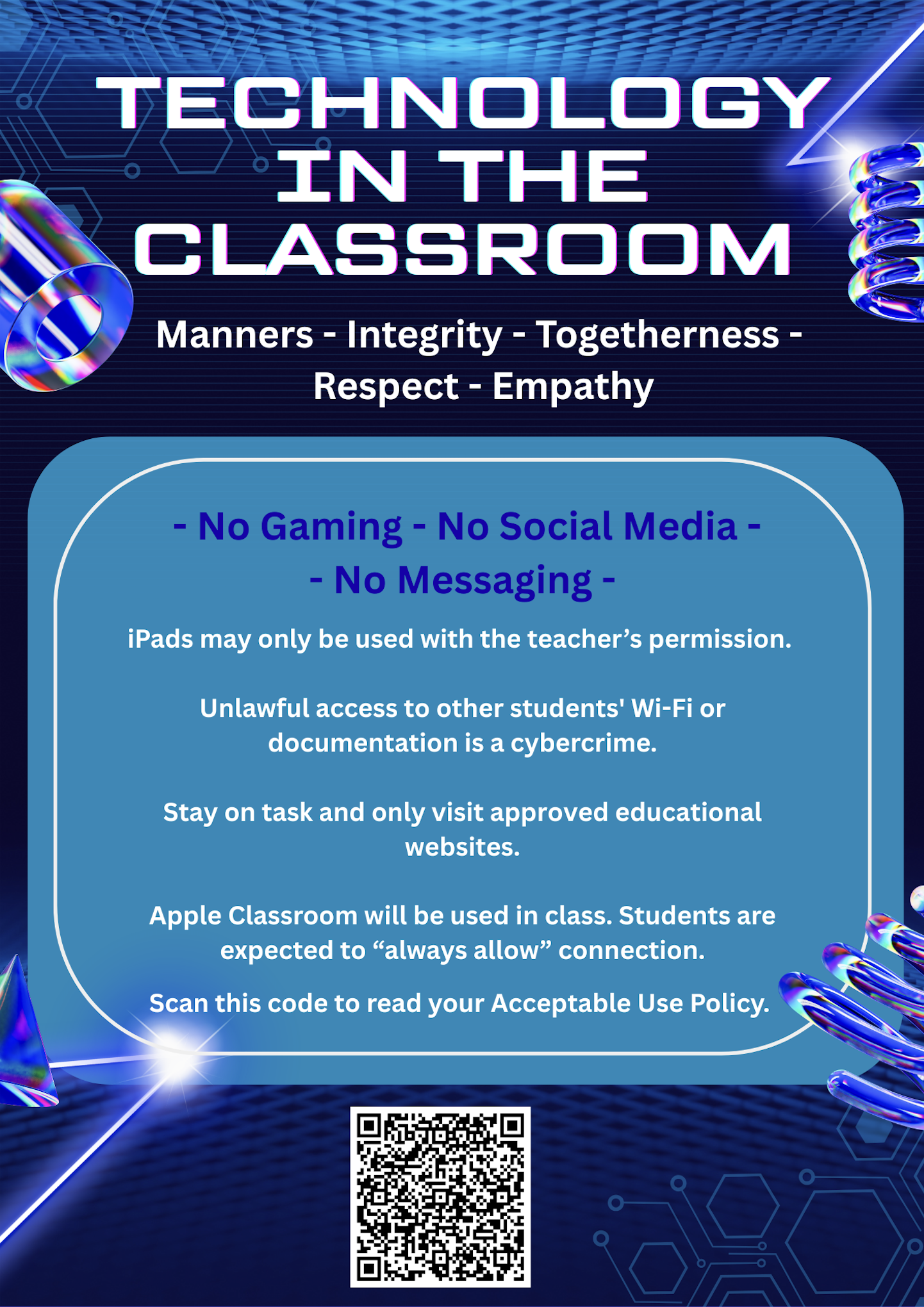
- Look after your iPad – treat it with care and keep it safe.
- Charge your iPad fully each day – make sure it’s ready for school and has at least 3GB of free space.
- iPads are invited into the lesson – only use your iPad for classroom activities when the teacher invites the iPad into the lesson.
- Use email responsibly – only with your teacher’s permission and only through the school Wi-Fi.
- Avoid plagiarism – always do your own work and follow copyright laws.
- Respect others’ privacy – only take photos or videos of people when it’s for a classroom task and you have their permission.
- Report inappropriate behaviour – if you see cyberbullying or anything that feels wrong online, tell a teacher straight away.
- Use OneDrive or Teams – share documents this way to help reduce the school’s carbon footprint.
- Balance your time – manage how much time you spend on technology and make sure you enjoy real-world activities too.
- Think before you act online – never access, keep, or send anything you wouldn’t want your parents or teachers to see.
- Stay within the school’s digital boundaries – respect the firewall and avoid using SIM cards or VPNs.
- Access only appropriate, educational content that supports your learning.
- Focus on academic work – avoid games, sites, or apps unrelated to school tasks.
- Communicate respectfully – use language, sounds, and images that are polite, inclusive, and positive.
- Use technology in age-appropriate ways – avoid social media or instant messaging.
- Share only appropriate material that supports learning.
- iCloud storage - Keep your device and school cloud storage free of harmful or inappropriate content.